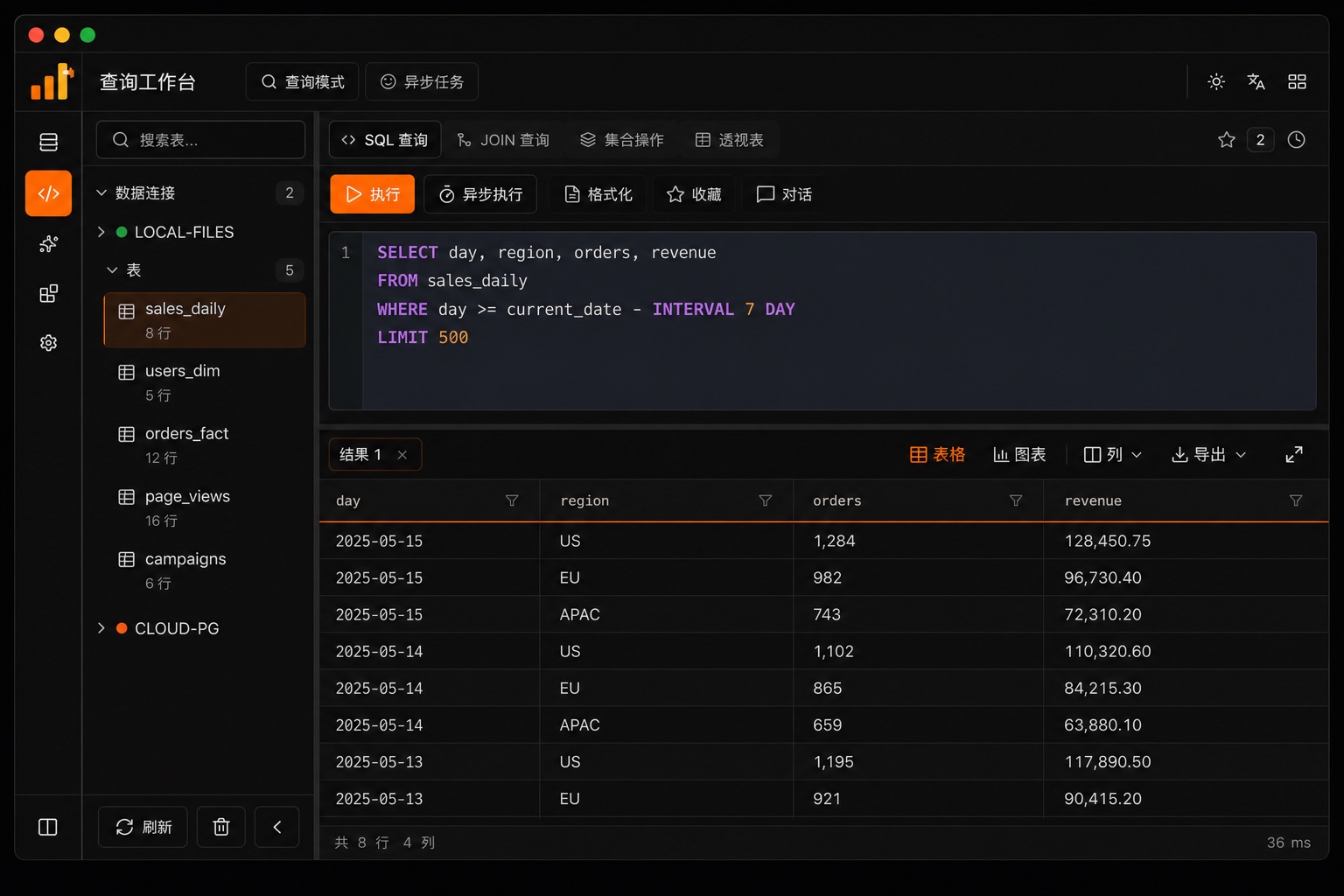

Cross-source query
JOIN local CSV / Excel with MySQL / PostgreSQL in one SQL. Remote DBs via ATTACH.
DuckDB GUI · local-first cross-source SQL workbench
Put local files and live databases in the same SQL
Drop CSV / Excel and they become tables; connect MySQL / PostgreSQL and JOIN. Visual DuckDB — no scripting setup required.
Local-first · data stays on your machine · AI uses the model endpoint you configure
One statement can reach these sources
File-to-table, cross-source JOIN, ask-data and charts, MCP automation — in one local-first workbench.
JOIN local CSV / Excel with MySQL / PostgreSQL in one SQL. Remote DBs via ATTACH.
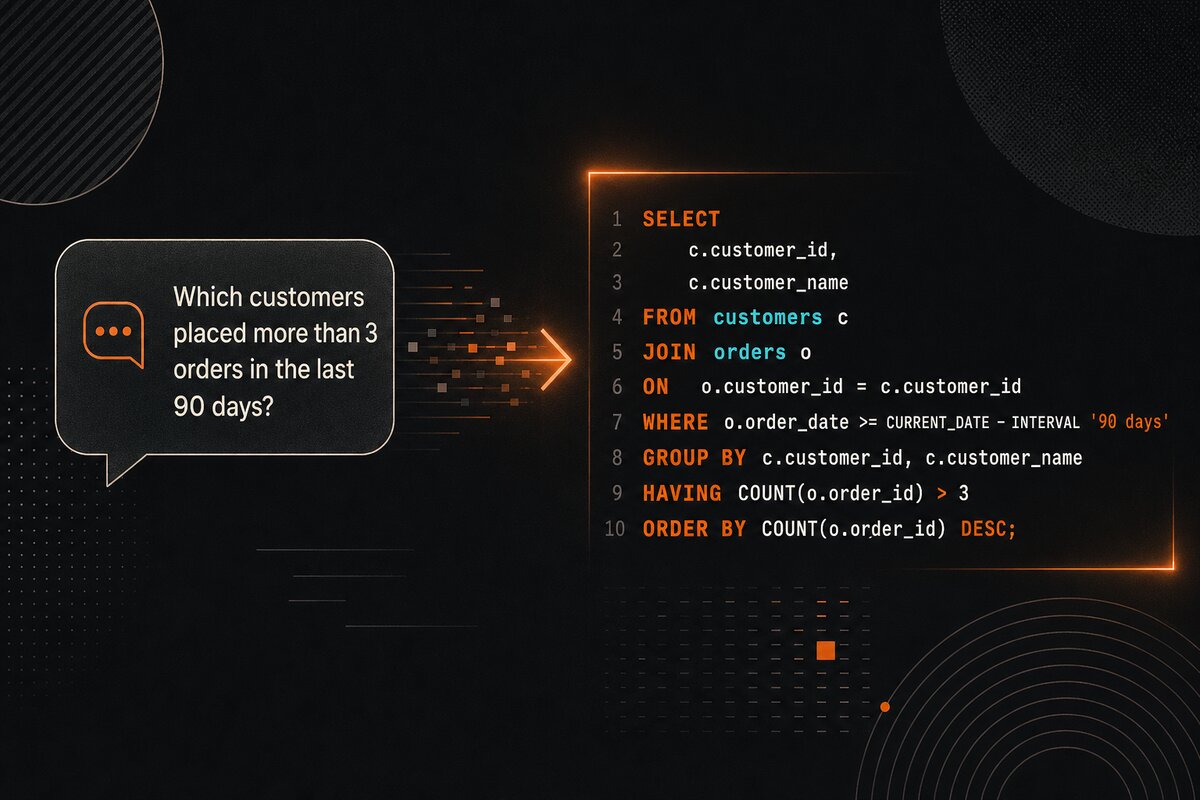
Ask in plain language. It probes read-only, then answers with reusable SQL. Drafts never auto-run.
Let Claude Code / Cursor drive your local backend: query, ingest, export.
Ad-hoc joins, reconciliation, visual DuckDB — without a warehouse or hand-written scripts.
DuckDB’s local analytics in a workbench — drop files into tables, JOIN / pivot, chart results. No Python or CLI scaffolding first.
Someone drops an Excel file that must match orders in the database — you don’t want to load a warehouse for one check.
Local Parquet / SQLite needs a quick JOIN with remote MySQL — without juggling half a dozen clients.
Let Cursor / Claude query data already connected on your machine, instead of pasting CSV into chat.
The online demo is DuckDB-Wasm in the browser only (no AI, no DB connections, no Excel). Use desktop or Docker for the full product.
Drop Excel / CSV as tables, or connect MySQL / PostgreSQL / SQLite / DuckDB files.
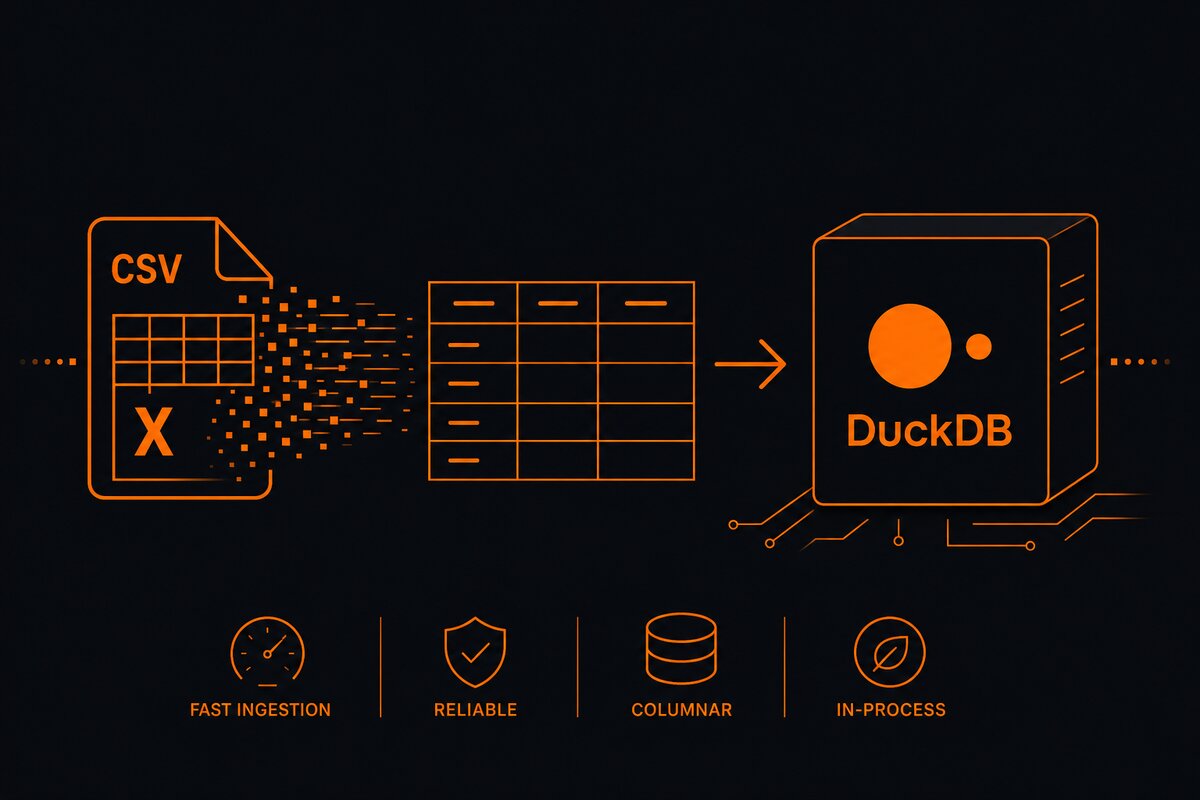
Ask in plain language, or let AI draft SQL for you to review before running.
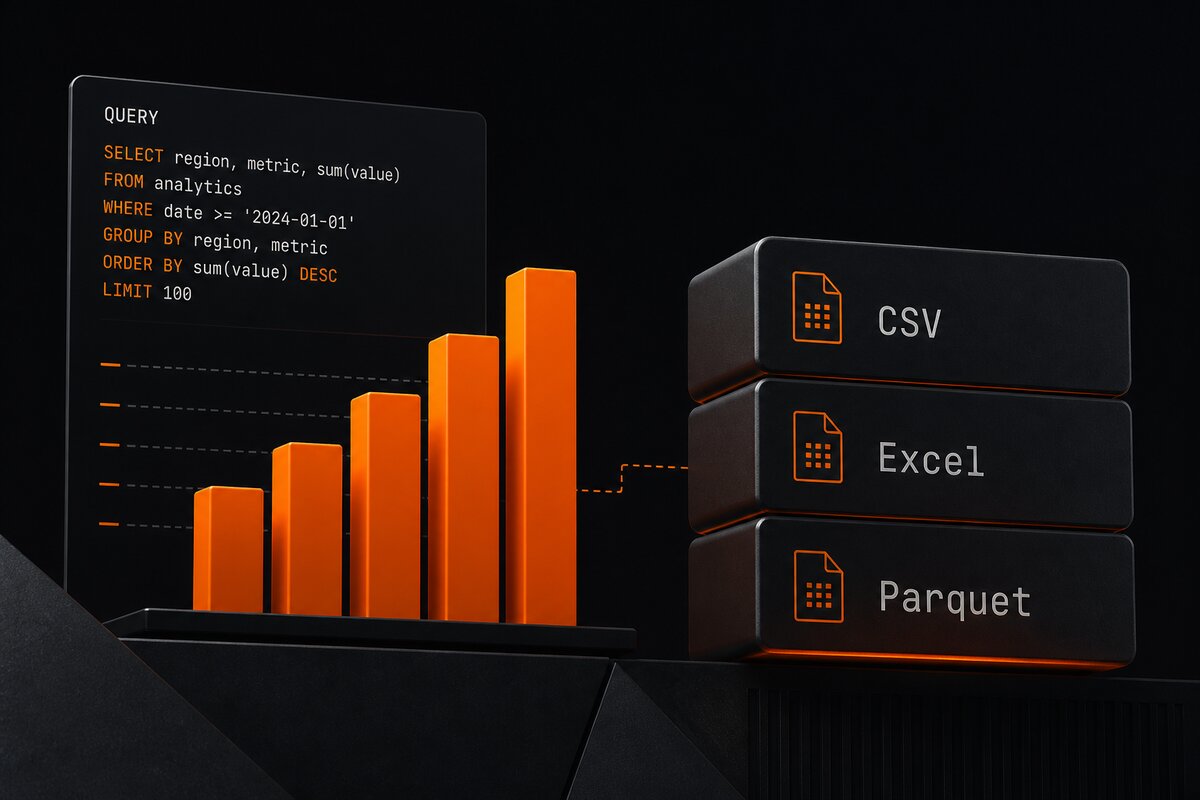
Switch the same result between grid and charts, drill down, export for others.
Imported files become DuckDB tables; MySQL / PostgreSQL and more join via ATTACH in the same SQL.
SELECT o.order_id, o.amount, u.city
FROM orders_csv AS o
JOIN mysql.users AS u
  ON o.user_id = u.id
WHERE o.paid_at >= DATE '2026-01-01';The middle ground: ad-hoc, cross-source, local control — not a replacement for your daily DB client or company BI.
| Kind | Examples | Local files + DB in one query |
|---|---|---|
| Database GUI | DBeaver, TablePlus | Usually import into a table first |
| BI platform | Metabase, Superset | Configure a source; ad-hoc work often needs a warehouse + ETL |
| DuckQuery | — | Drop a file → table; ATTACH a DB → queryable |
Three forms. Pick what fits your environment.
macOS (Apple Silicon / Intel) and Windows x64. Download from GitHub Releases.
Try SQL in the browser. DuckDB-Wasm only: no AI, no DB connections, no Excel.
Self-host frontend and backend. Data lives in ./data on the host. See configuration docs for image mirrors.
git clone https://github.com/Chenkeliang/duckdb-query.git
cd duckdb-query
./quick-start.sh
Web UI: http://localhost:48000
Where data stays, what AI can see, and who runs the query.
Start desktop or Docker first, then wire Claude Code / Cursor.
uvx duckquery-mcp
# or
claude mcp add duckquery -- uvx duckquery-mcp
Modes: read-only / normal (default) / full. Full setup in the MCP docs.